
📝 Notes App
Type: Mobile App
Role: UI/UX Designer
Tools: Figma
Timeline: 1.5 weeks
✨ Overview
The Notes App is a mobile-first productivity tool designed to streamline note-taking and task organization. Built with a refined, minimal interface, the experience prioritizes speed, flexibility, and cognitive ease.
"The goal was to make note-taking feel effortless—capturing thoughts exactly as intended, without friction."
🎯 Goal
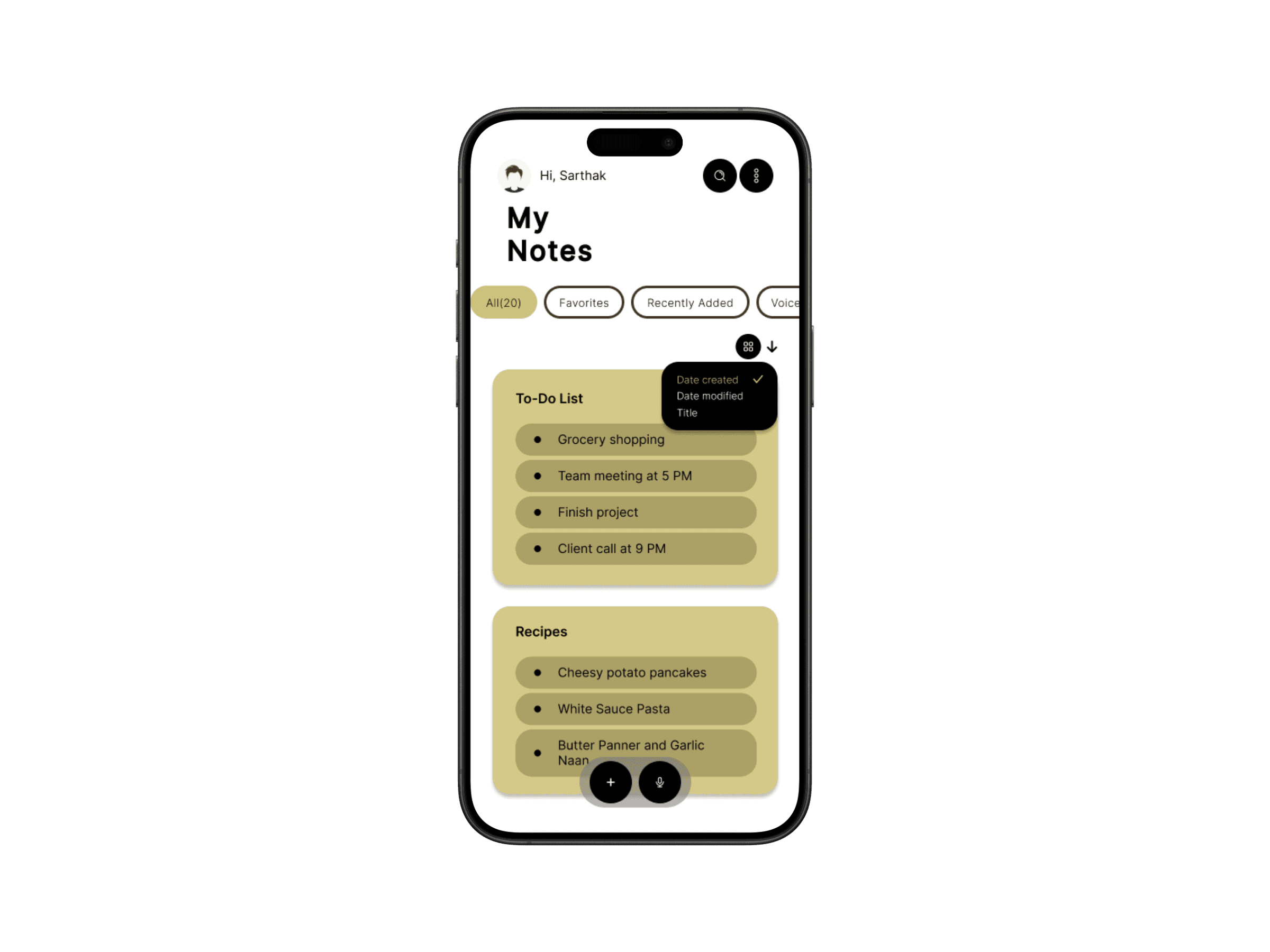
Create a modern, intuitive notes experience that integrates powerful features—audio capture and priority pinning—while maintaining a clutter-free, focused interface.
🔍 Key Features
- 🧠 Clean, distraction-free layout
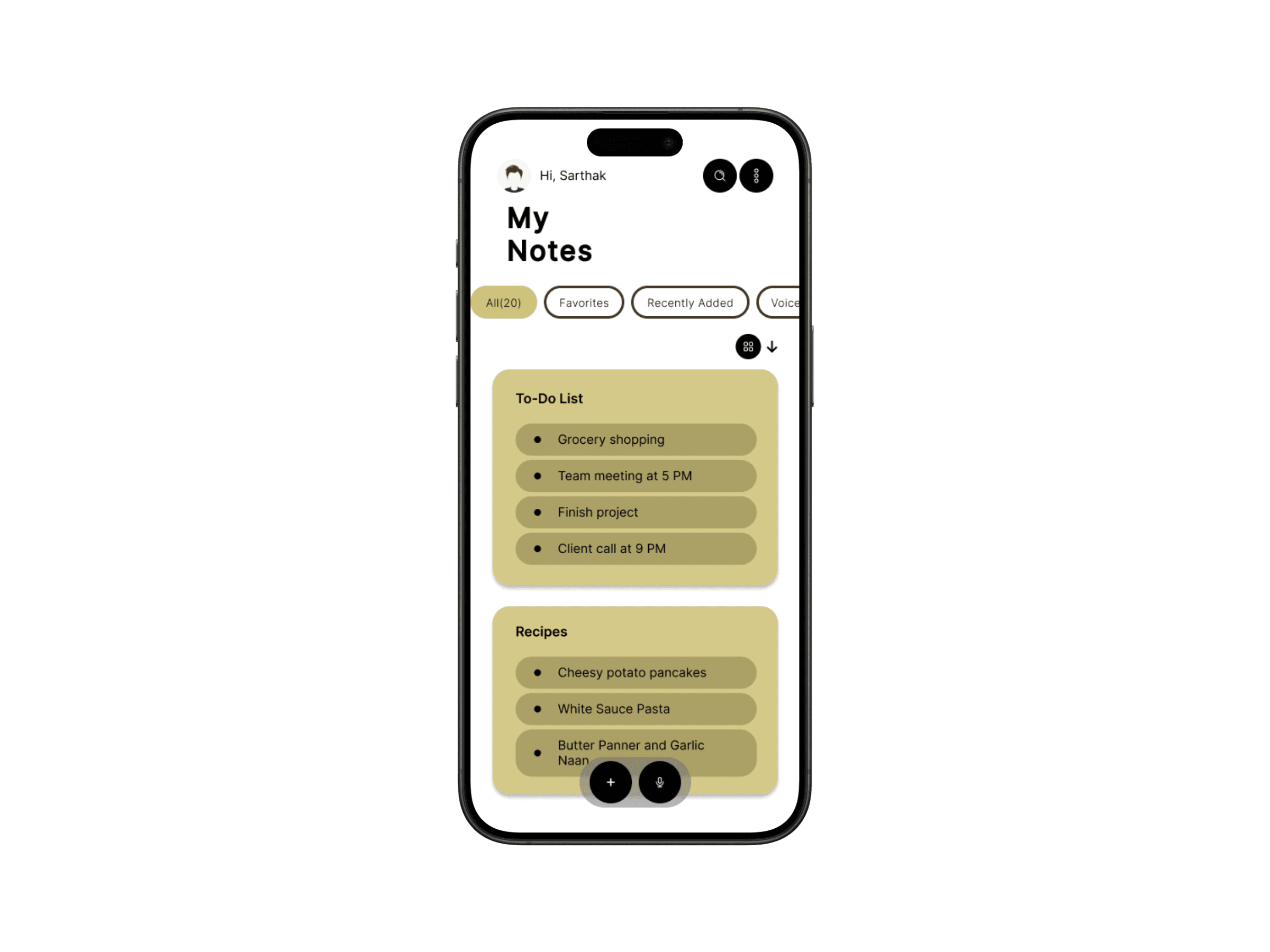
- 📌 Pin important notes to keep tasks top-of-mind
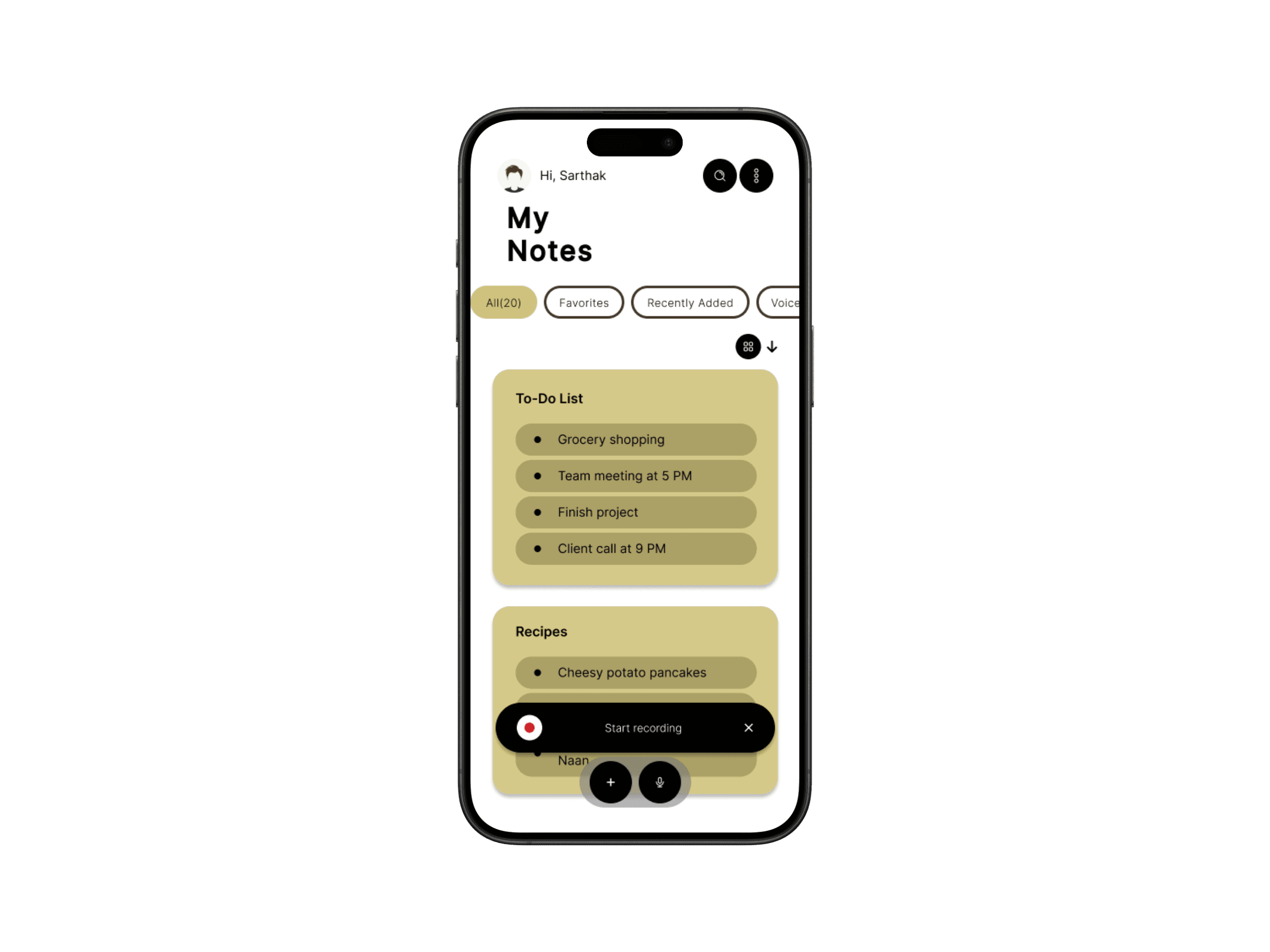
- 🎙️ Voice recording integration for hands-free note-taking
- ⚡ Quick note creation with organized categories
- 🔄 Cross-device sync for always-on access
🎨 Design Approach
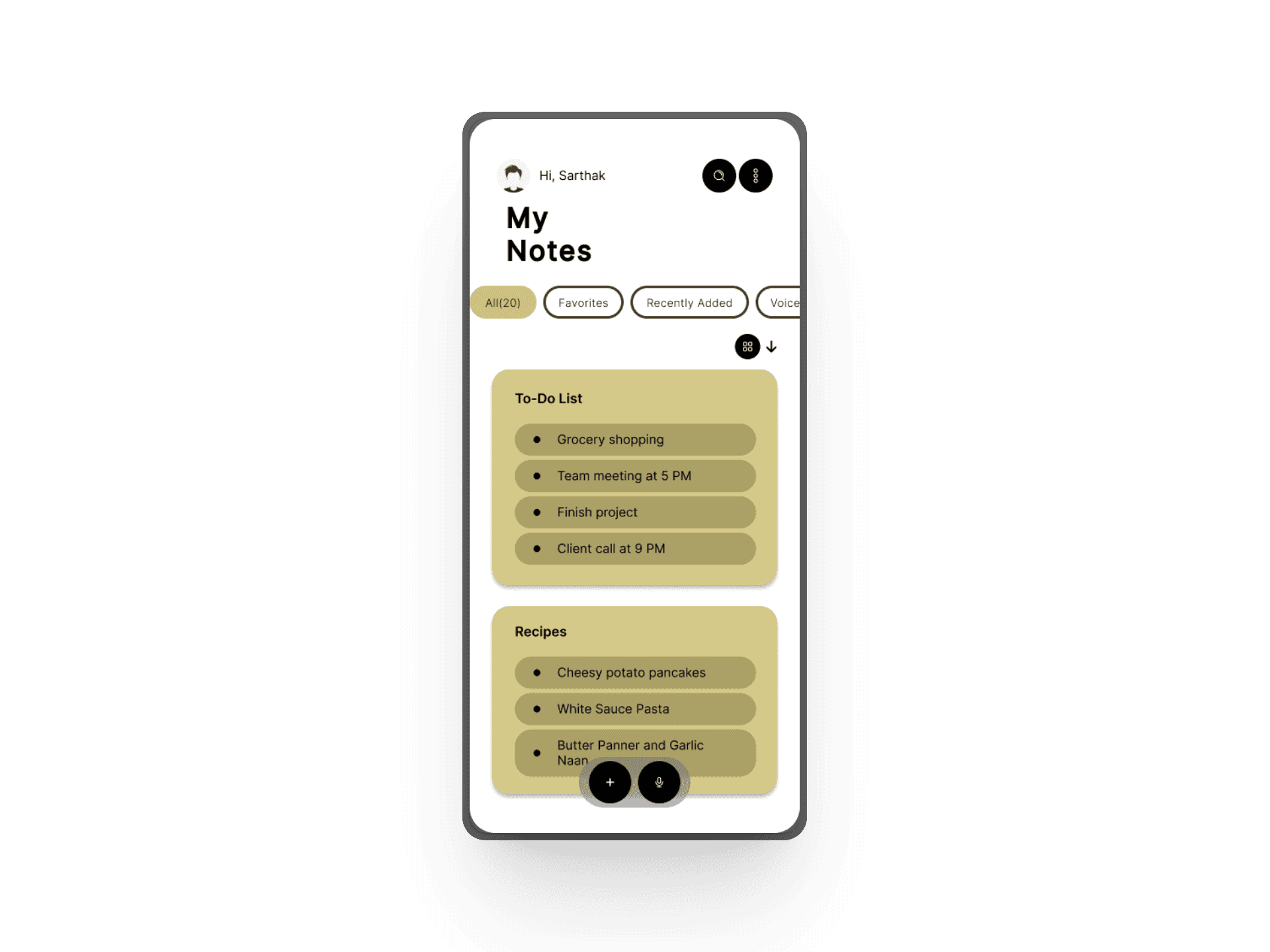
I focused on clarity and comfort, using visual hierarchy and white space to guide users naturally. Every element had to feel like it belonged—nothing extra.
- Neutral color tones for a calm workspace
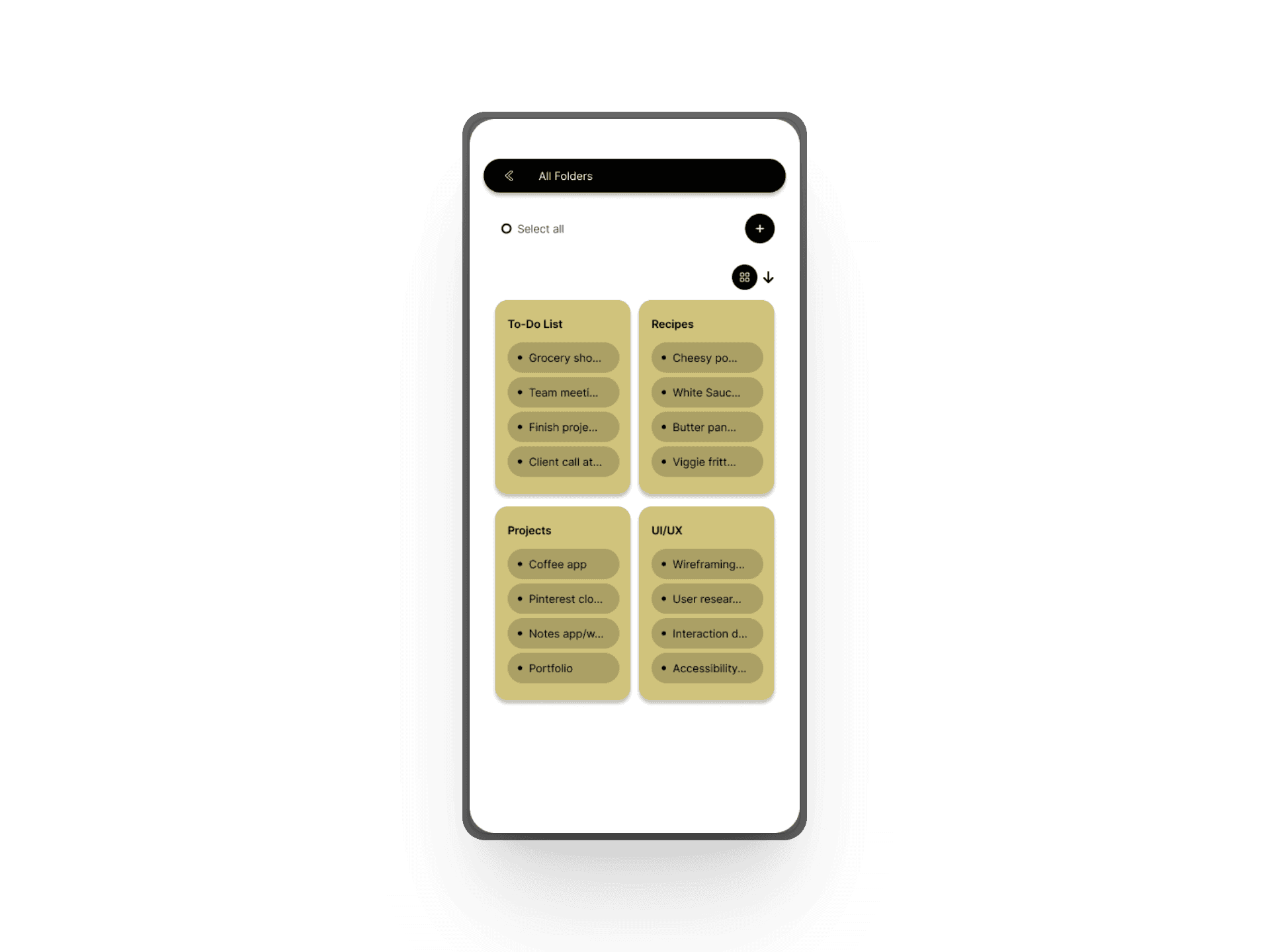
- Clearly defined cards and spacing
- Icons paired with text to boost readability
- Responsive design for smaller mobile viewports

🧰 Tools & Techniques
- High-fidelity prototypes in Figma
- Wireframes with attention to color theory & spacing
- Applied accessibility principles for contrast and tap targets

💡 Key Learnings
- Balancing simplicity with functional depth requires careful prioritization—every feature must earn its place
- Voice recording integration demanded thoughtful consideration of icon clarity, spatial placement, and state transitions
- Micro-interactions (padding, hover states, transitions) significantly influence perceived usability and polish
✅ Outcome
Delivered a visually refined, performant note-taking application that adapts to diverse user workflows—from rapid task capture to hands-free audio recording on the go.

📌 Next Steps
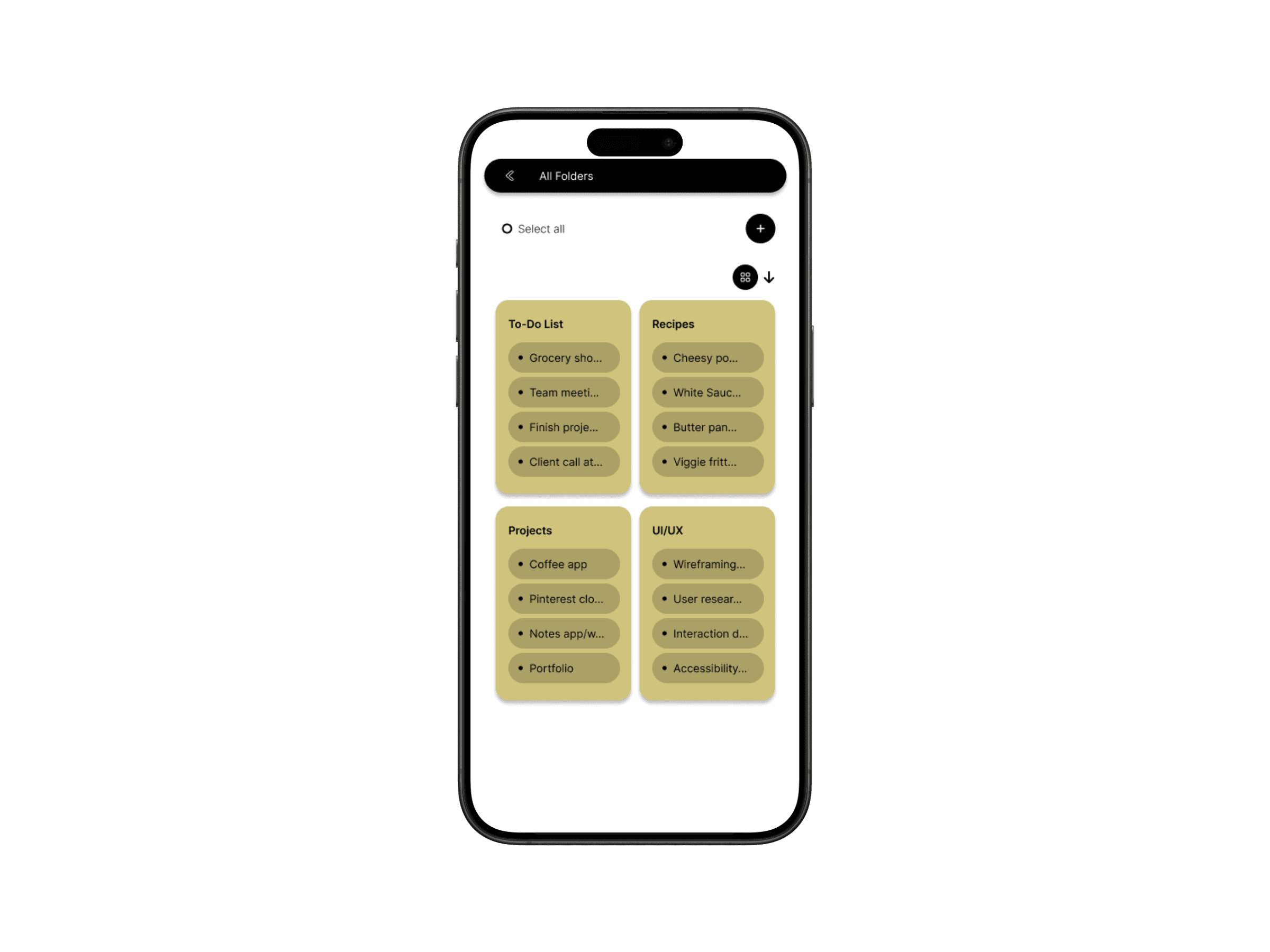
- Add folder/tag system for better scalability
- Explore sync with cloud services
- Conduct user testing to validate current flows